How to listen to music while you game
Most of us have done it. Turn the game music down, put a playlist on, and play. It works fine, right up until a slow song comes on in the middle of a firefight, or a vocal track talks over your squad's callouts.
Here are the main ways people listen to music while gaming on PC, what each one is good at, and where it falls short.
The common ways to play music while gaming
A music app running in the background
The most common setup. Open Spotify, Apple Music, YouTube Music, or whatever you use, start a playlist, and launch your game.
Good: easy, and it's your music.
Not so good: it has no idea what you're doing in the game. You'll be alt-tabbing to skip songs, and balancing game audio against music volume is its own little side quest.
Overlays and widgets
Some overlays let you control your music without leaving the game. On Windows, for example, the Xbox Game Bar has a Spotify widget you can pull up in-game.
Good: less alt-tabbing.
Not so good: you're still picking and skipping songs yourself, mid-match.
In-game radio or custom soundtracks
A few games have in-game radio stations, and some let you load your own music.
Good: when it exists, it's built into the game.
Not so good: most games don't offer it, and you're stuck with whatever the game supports.
Just the game's own soundtrack
Game soundtracks are made to fit the game, and a lot of them are great.
Good: it's designed around the gameplay.
Not so good: after a few dozen hours, you've heard every loop, and it's not your music.
Playing music while streaming
If you stream on Twitch or YouTube, playing your regular playlist can get your VOD muted or hit with copyright claims, because you usually don't have the rights to broadcast that music. Worth checking before you go live.
The problem with all of these
Every option above has the same blind spot: the music doesn't know what's happening in your game. It doesn't know you're in a tense standoff, or that you just won the round. You get a song that's fine on average and wrong in the moments that matter most.
Adaptive music: your music, following your game
Games have used adaptive music for years. It's why the soundtrack in a lot of games shifts when combat starts or when you're sneaking around. It's composed in layers so it can change with the action.
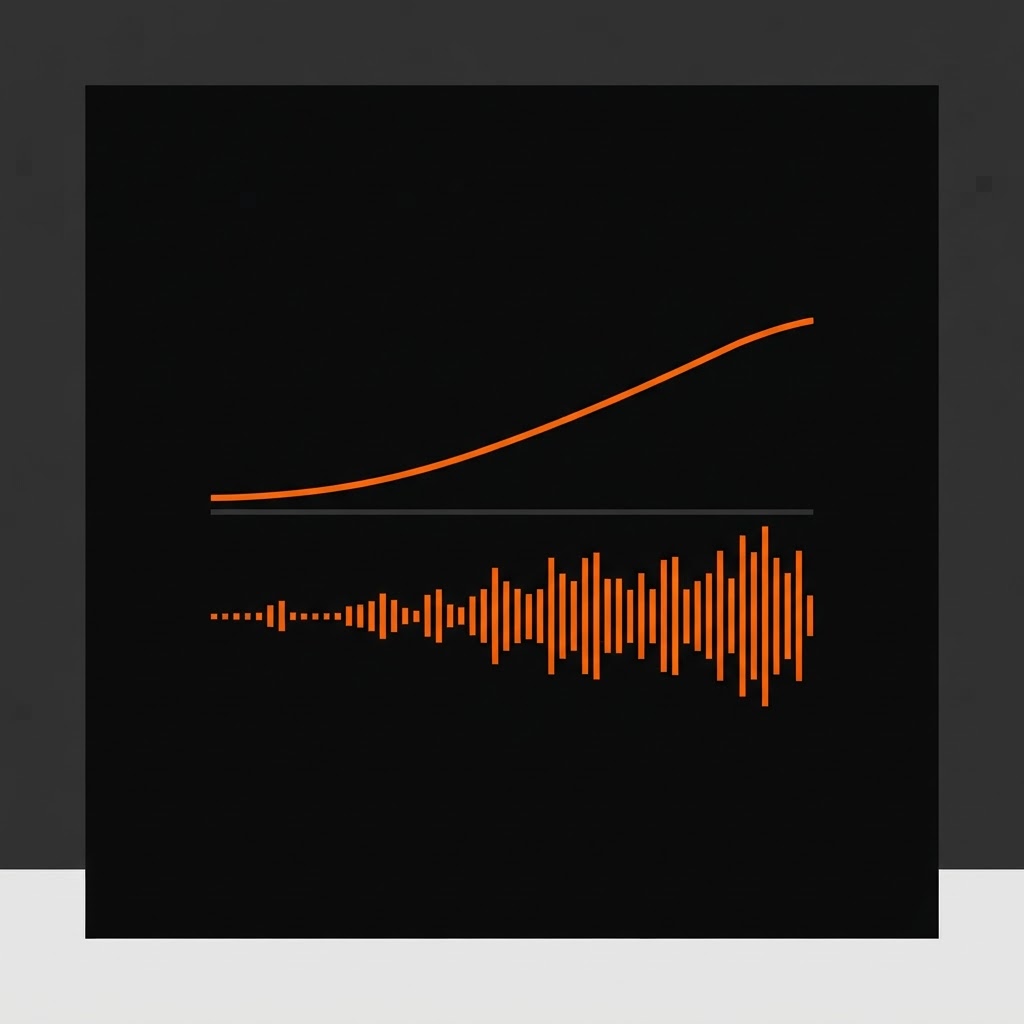
TYGER brings that idea to real songs. It watches what's happening in your game, picks music that fits, and changes how the song plays as things change. It can drop the vocals while you need to focus, strip things down to drums and bass, or jump to the biggest part of the song when you pull off a clutch play.
It's the difference between music playing while you game and music playing with your game. Here's how TYGER works as an AI DJ.
Quick comparison
| Option | Your own music? | Follows your gameplay? | Hands-free? |
|---|---|---|---|
| Music app in background | Yes | No | No |
| Overlay / widget | Yes | No | Partly |
| In-game radio / custom soundtrack | Sometimes | No | Yes |
| Game soundtrack | No | Often | Yes |
| TYGER adaptive music | From TYGER's catalog | Yes | Yes |